Browser Security
Staff now work almost entirely in the browser: email, finance systems, client records and a growing list of AI tools. Addicnet extends protection into that session with an enterprise browser security layer, blocking phishing pages and controlling what can be pasted or uploaded into unapproved sites.
The browser is the new endpoint.
Powered by Palo Alto Networks Prisma Browser for Business
Risks that start after the click.
Adversary-in-the-middle phishing
Attackers relay a genuine login page and capture credentials and authenticated sessions, even after MFA.
Browser-in-the-browser attacks
Fake sign-in popups rendered inside a real page imitate trusted login windows and harvest credentials.
HTML & JavaScript smuggling
Malicious code assembles malware inside the browser itself, sidestepping file scanning on arrival.
Malicious extensions
A trusted extension turns malicious after an update and quietly monitors browsing or steals data.
Sensitive data leakage
Confidential information is pasted or uploaded into unapproved AI tools, personal accounts or risky sites.
Unrestricted web access
Gambling, adult content and file-sharing on business devices create compliance and liability exposure.
From signal to response.
Deploy where staff work
A managed extension for Chrome and Edge gives the same core protection without changing how anyone browses.
Policy with guardrails
Site categories, private browsing and paste or upload rules are agreed per group, then enforced consistently.
Block in the session
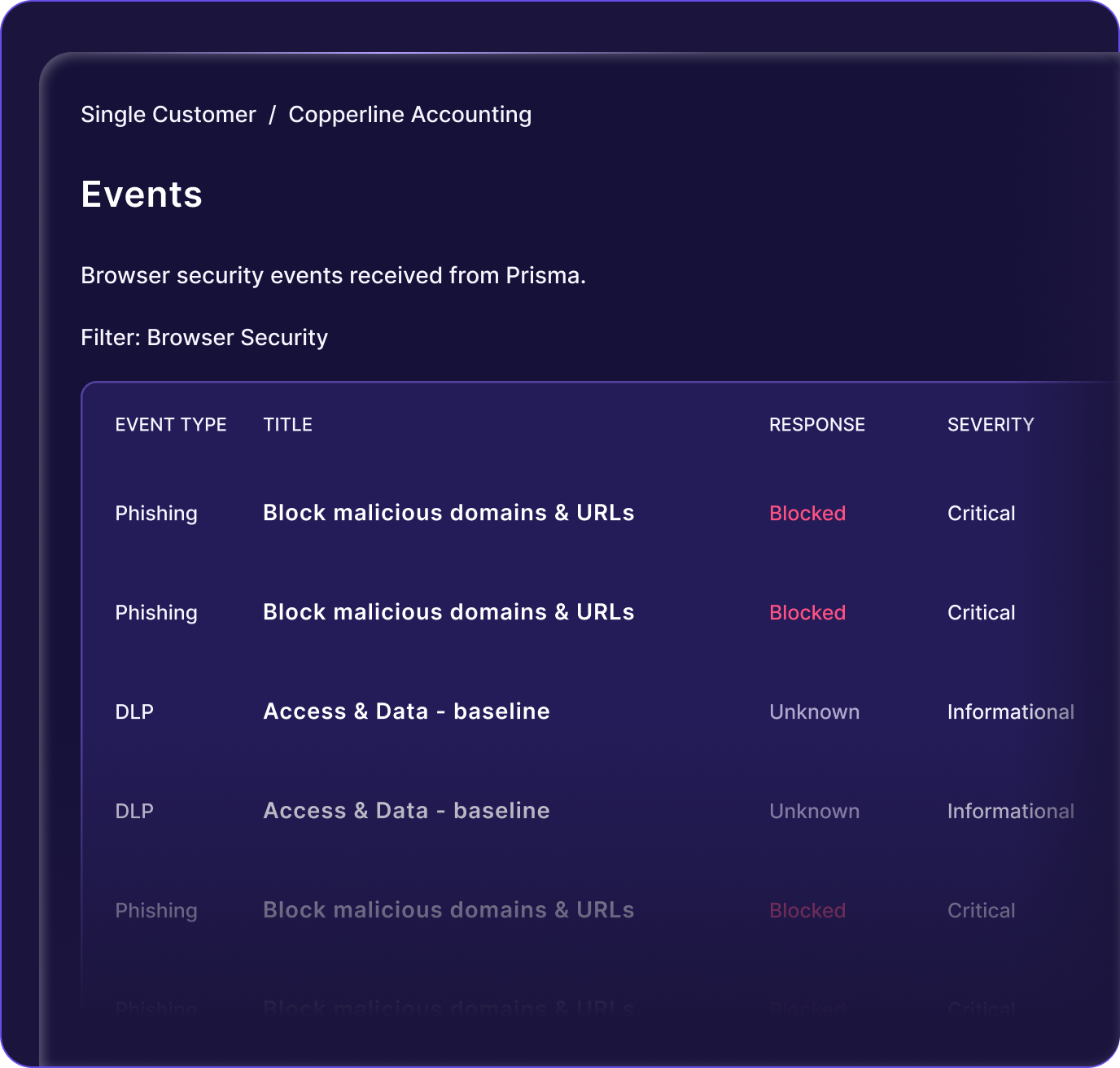
Phishing pages, malicious downloads and risky extensions are stopped while the page is loading, not reported after.
Connect the evidence
Browser blocks are linked to the user's email, identity and device, so one incident holds the whole chain.
What is included.
- Browser extension deployment for Chrome and Edge
- Phishing and malicious page blocking in-session
- Controls on pasting and uploading into AI tools
- Extension governance and private-browsing policy
- Web category filtering by group or role
- Browser security reporting for reviews
What changes for your business.
Data stays inside the business
Pastes and uploads of client or commercial data into unapproved AI tools are blocked before anything leaves.
MFA gaps are covered
Session-level protection catches real-time phishing that authenticates successfully and would otherwise pass identity checks.
No new browser to learn
Protection runs as an extension in the browsers your teams already use, so adoption is immediate.
Controls that work alongside this one.
Identity Threat Detection & Response
Detect account takeover across Microsoft 365 and Google Workspace, then revoke sessions and suspend users automatically.
Explore controlEmail Security
API-based protection against phishing, impersonation and business email compromise, connected to the identities behind the inbox.
Explore controlAdaptive Security Awareness Training
Training and phishing simulations built around each employee's real risk, delivered automatically and reported for audit.
Explore controlQuestions we are asked.
Is this a different browser?
No. It is delivered as an extension for Chrome and Edge, so staff keep using the browser they already have. A standalone enterprise browser option exists where policy demands it.
Will it break the tools we use?
Categories and data rules are tuned during onboarding against the applications your teams actually use, with a review period before enforcement becomes strict.
Does it see our private browsing?
The extension reports events and policy decisions, not page content or credentials. Private browsing can be restricted by policy if you choose to enforce it.
Let's simplify your cloud infrastructure.
Tell us about your business and infrastructure requirements. Our team will assess your needs, recommend an approach and prepare a proposal.